PACS Migration Services: Planning and Execution
Understand how PACS migration services work, from scoping and data validation to interim support that keeps imaging operations running during transition.
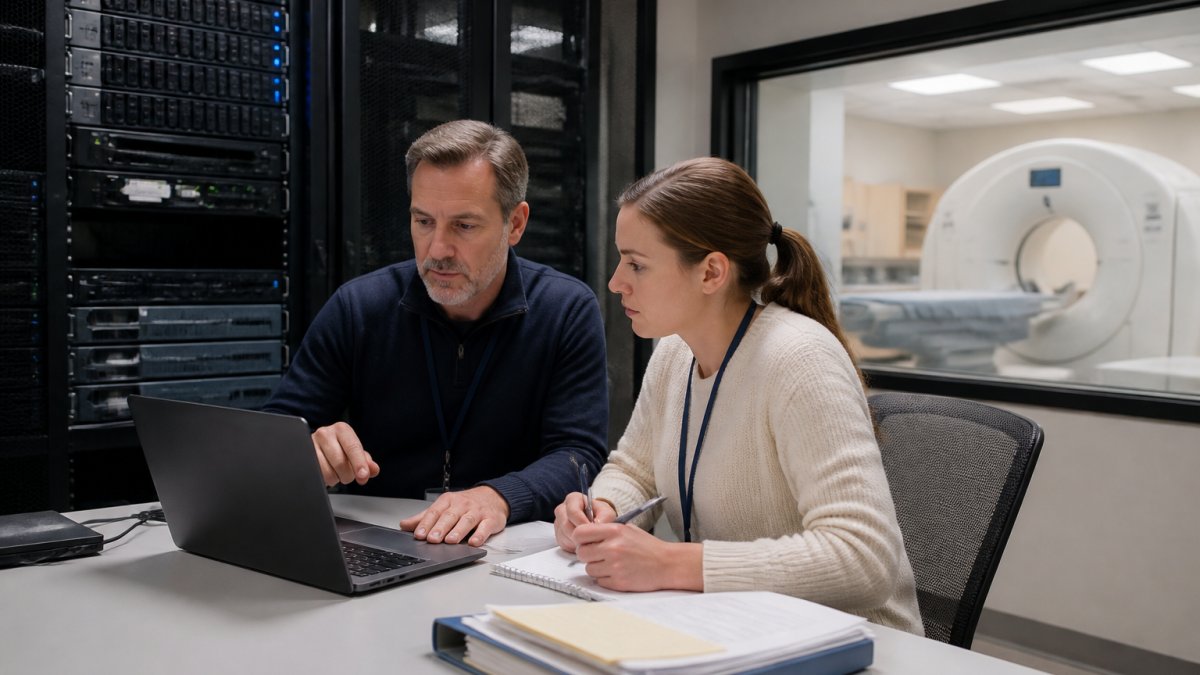
Table of Contents
- How PACS Migration Services Are Scoped and Planned
- Data Integrity Through PACS Data Validation
- Maintaining Operations With PACS Interim Support
- Frequently Asked Questions
Last Updated: October 9, 2026
How PACS Migration Services Are Scoped and Planned
A PACS migration is a structured transition with defined responsibilities. Scoping PACS migration services begins with an assessment of the existing environment: architecture, data volume, integration points with RIS, HIS, and EHR systems, and hardware specifications. (Source: PACS migration services)
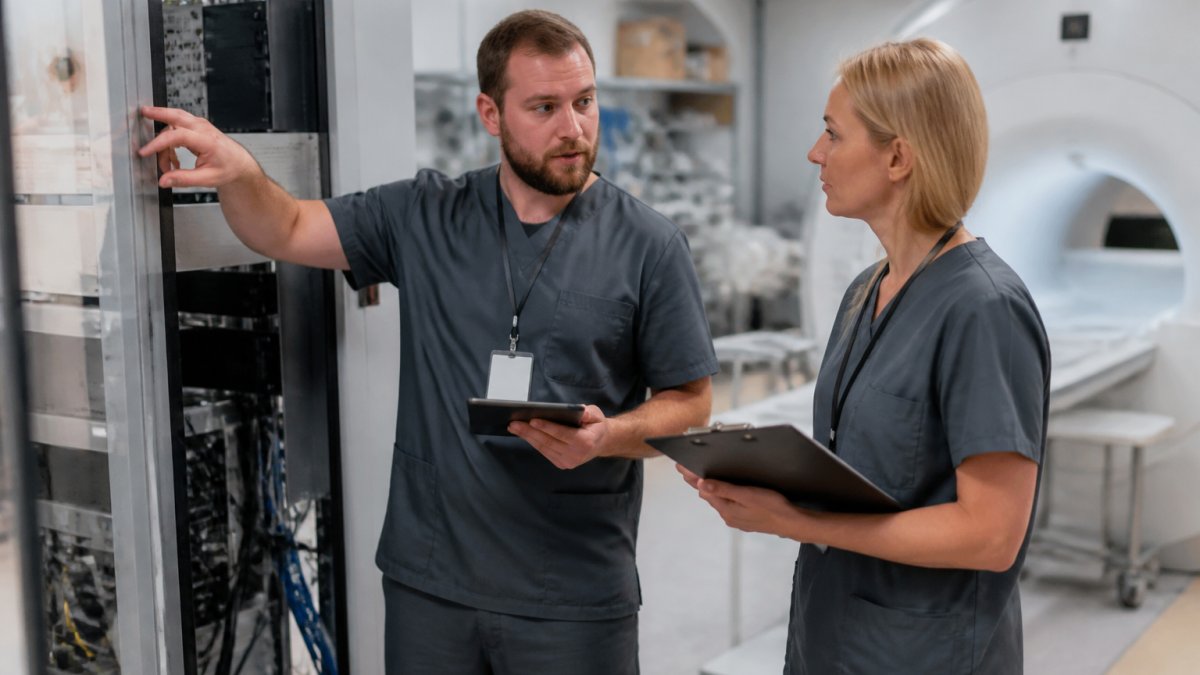
Imaging directors and IT leaders should establish baseline metrics first: total DICOM studies, metadata completeness, storage use, and system dependencies. Data cleansing and normalization typically precede migration to identify orphaned records, duplicate demographics, and malformed metadata. Establishing these rigorous data standards ensures that the infrastructure remains stable throughout the transition, a process that benefits from the systematic oversight provided by a server migration checklist.
RAD365, a physician-owned operations partner, treats each environment as unique. The assessment documents current state, identifies risks, and sets success criteria, with stakeholders agreeing on cutover windows, rollback procedures, and communication protocols before work begins.
Data Integrity Through PACS Data Validation
PACS data validation is the critical step between transfer and deployment. Once data has moved, validation confirms that all DICOM files arrived intact, metadata maps correctly to patient records, and image quality remains unchanged. Protocols check file counts, verify checksums, confirm HL7 message routing, and test retrieval performance.
Validation identifies data loss, corruption, or mapping errors before clinical users encounter them. Automated tools scan for missing studies, orphaned images, and metadata inconsistencies, while radiologists spot-check that studies display correctly and prior comparisons function. (Source: DICOM standards)
Maintaining Operations With PACS Interim Support
The period between legacy system shutdown and new system full deployment creates operational risk. Clinical imaging cannot stop, yet the organization is managing two systems simultaneously. Interim PACS support bridges this gap by maintaining continuity while the migration completes.
Interim support typically includes 24/7 monitoring of both systems, help desk coverage, rapid response to technical issues, and real-time troubleshooting of integration problems. It ensures radiologists can access prior studies, image routing continues to departments and clinics, and storage and database performance remain stable.
RAD365 provides interim PACS support as part of its PACS migration services, maintaining the legacy environment while the new system stabilizes. Dedicated operations personnel reduce clinical downtime and let the organization's IT team focus on integration and training.
The transition from interim support to full managed operations is planned during initial scoping. Success metrics are defined, handoff procedures documented, and the timeline for steady-state support clear from the beginning, so PACS migration services deliver a stable, well-documented environment.
PACS migration involves significant technical complexity and operational risk. Organizations require a partner with proven expertise in data integrity, system integration, and clinical continuity. RAD365 manages PACS migration services for hospitals and imaging centers by providing experienced operations teams, rigorous validation protocols, and interim support that keeps imaging running throughout the transition. Learn more about PACS migration services and how RAD365 can guide your organization through a successful migration. For details on how interim support maintains operations during your transition, visit interim PACS support.
Frequently Asked Questions
What does a PACS migration involve?
A PACS migration transfers image data, metadata, and system configurations from one PACS environment to another. This includes extracting DICOM images and patient demographics from the legacy system, normalizing and validating that data, mapping it to the new environment, and ensuring all images and records are accessible without loss. The process also covers integration with RIS, HIS, and EHR systems to maintain clinical continuity.
How long does a PACS migration timeline typically span?
The PACS migration timeline depends on data volume, system complexity, and the number of sites involved. Interim support bridges the gap between legacy and new systems, ensuring imaging operations continue uninterrupted during the entire transition.
What happens to patient data during a PACS migration?
Patient data undergoes several validation stages. After extraction from the legacy PACS, data cleansing and normalization ensure consistency in patient demographics, study metadata, and DICOM compliance. Data integrity audits verify that all images transferred completely and remain clinically accurate. Validation protocols check for data loss, corruption, or mapping errors. Patient safety depends on confirming that no images or records are missing before decommissioning the old system.
