PACS Migration Support: Before, During, After
Learn what PACS migration support involves before, during, and after cutover. Ensure data integrity and minimize downtime with the right team.
Table of Contents
- What PACS Migration Support Looks Like
- Building a PACS Migration Checklist and Pre-Cutover Planning
- PACS Cutover Support and Data Validation
- Frequently Asked Questions
Last Updated: October 10, 2026
What PACS Migration Support Looks Like
A successful PACS migration requires coordinated technical support across three distinct phases: preparation, execution, and stabilization. PACS migration support ensures that imaging data moves reliably from legacy systems to new infrastructure without interrupting clinical operations or losing critical studies.
According to Healthcare IT research on system transitions, most migration failures stem not from technical limitations but from insufficient oversight during cutover. This is where dedicated PACS migration support becomes critical. A physician-owned operations partner like RAD365 brings both technical expertise and continuity across all three phases, reducing the risk that falls on your internal team.
Building a PACS Migration Checklist and Pre-Cutover Planning
Pre-cutover preparation determines success through inventory, validation planning, and readiness assessment.
Begin with a complete study inventory including orphaned records and incomplete metadata. Verify DICOM compliance to ensure all images conform to destination system standards, as legacy systems often contain non-standard objects that will not transfer cleanly.
Establish written acceptance criteria before migration begins: matching study counts, verified patient demographics, and confirmed metadata integrity.
American College of Radiology guidance on data migration emphasizes the importance of test migrations using real data samples. Run a pilot cutover with a subset of studies, validate results, and document any data anomalies or transfer failures. This identifies system-specific issues before your full production cutover.
PACS Cutover Support and Data Validation
During cutover, PACS migration support requires continuous monitoring and real-time troubleshooting.
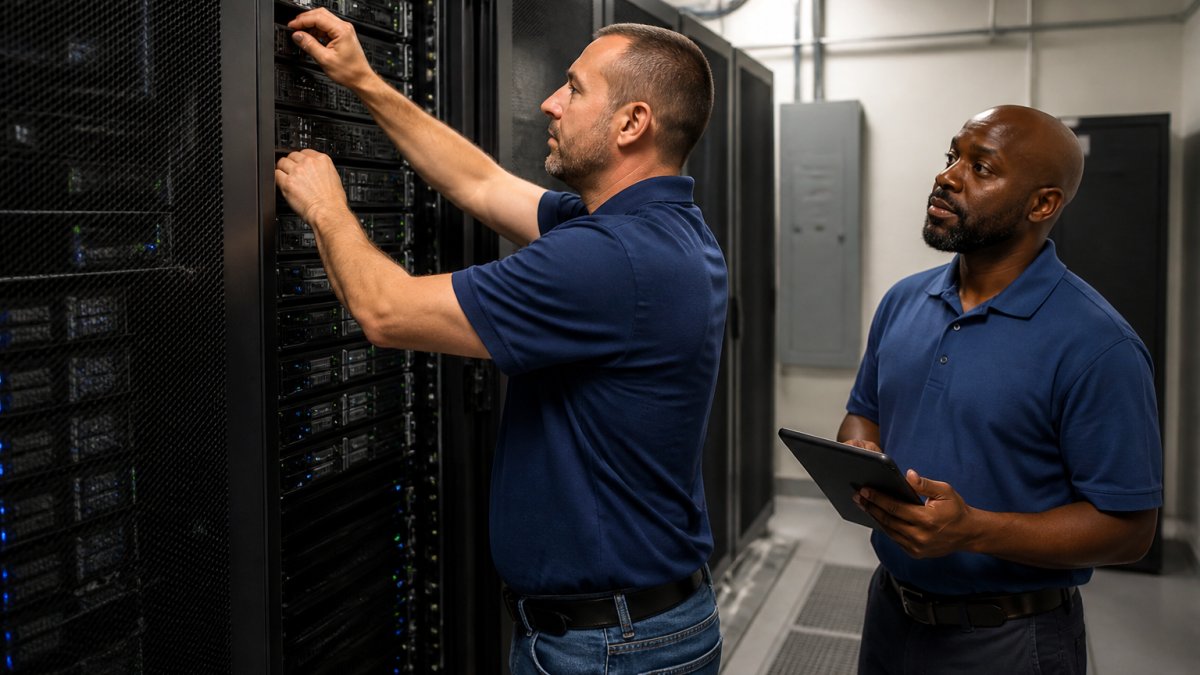
A dedicated support team tracks transfer progress, validates incoming studies, and flags anomalies in real time. Parallel validation confirms study counts match inventory and verifies patient identifiers and series are retrievable. Post-cutover escalation procedures ensure systematic resolution of missing studies or metadata mismatches.
According to DICOM standards documentation on image retrieval, successful validation requires both automated reconciliation and targeted sampling of high-risk studies. This dual approach catches systematic issues as well as edge cases.
Interim PACS support becomes essential if your legacy system must run parallel to the destination system during transition. RAD365 offers interim PACS support to manage your existing infrastructure while migration progresses, ensuring that clinical operations continue uninterrupted and that your team is not stretched across two systems simultaneously.
PACS migration support is not a single event but a sustained commitment across planning, execution, and validation. Imaging directors who invest in dedicated support during all three phases report faster stabilization, fewer post-cutover surprises, and greater confidence that their imaging data is complete and accessible. RAD365 provides the operational expertise and 24/7 coverage that hospitals and imaging centers need to execute migrations reliably. To learn how RAD365 manages PACS migrations from start to finish, visit RAD365 PACS Migration Services or contact the team to discuss your migration timeline and requirements.
Frequently Asked Questions
What should an imaging team prepare before a PACS migration support engagement?
Before cutover, your team should inventory all legacy imaging data, verify DICOM compliance across systems, document current workflows, and identify critical dependencies. A PACS migration checklist should include hardware specifications, network bandwidth requirements, user access roles, and backup procedures. Designate a project lead and establish communication channels with your migration support partner. Most teams benefit from a dry run or parallel operation period to catch issues before the actual cutover.
How is DICOM data validated after a PACS migration?
DICOM data validation compares study counts, series counts, and image counts between the source and destination systems to ensure no data was lost during transfer. Validation checks metadata integrity, including patient identity, accession numbers, and study dates. Your support team should reconcile any missing studies and verify that image retrieval works correctly in the new system. This process typically runs for several days after cutover to confirm all historical data transferred successfully.
How long does post-migration PACS support continue after cutover?
Post-migration PACS support typically extends for 30 to 90 days after cutover, though the exact timeline depends on your organization's needs and the complexity of the migration. During this period, the support team monitors system stability, responds to user issues, performs additional data reconciliation if needed, and helps your staff adapt to the new environment. After the initial stabilization phase, many organizations transition to ongoing managed PACS support to ensure continuous uptime and operational reliability.
