Veterinary PACS Support: The Complete Guide for Multi-Site Practices
A complete 2026 guide to vet PACS support for multi-site practices — systems, DICOM, PIMS integration, archive strategy, migration timelines and support scope.
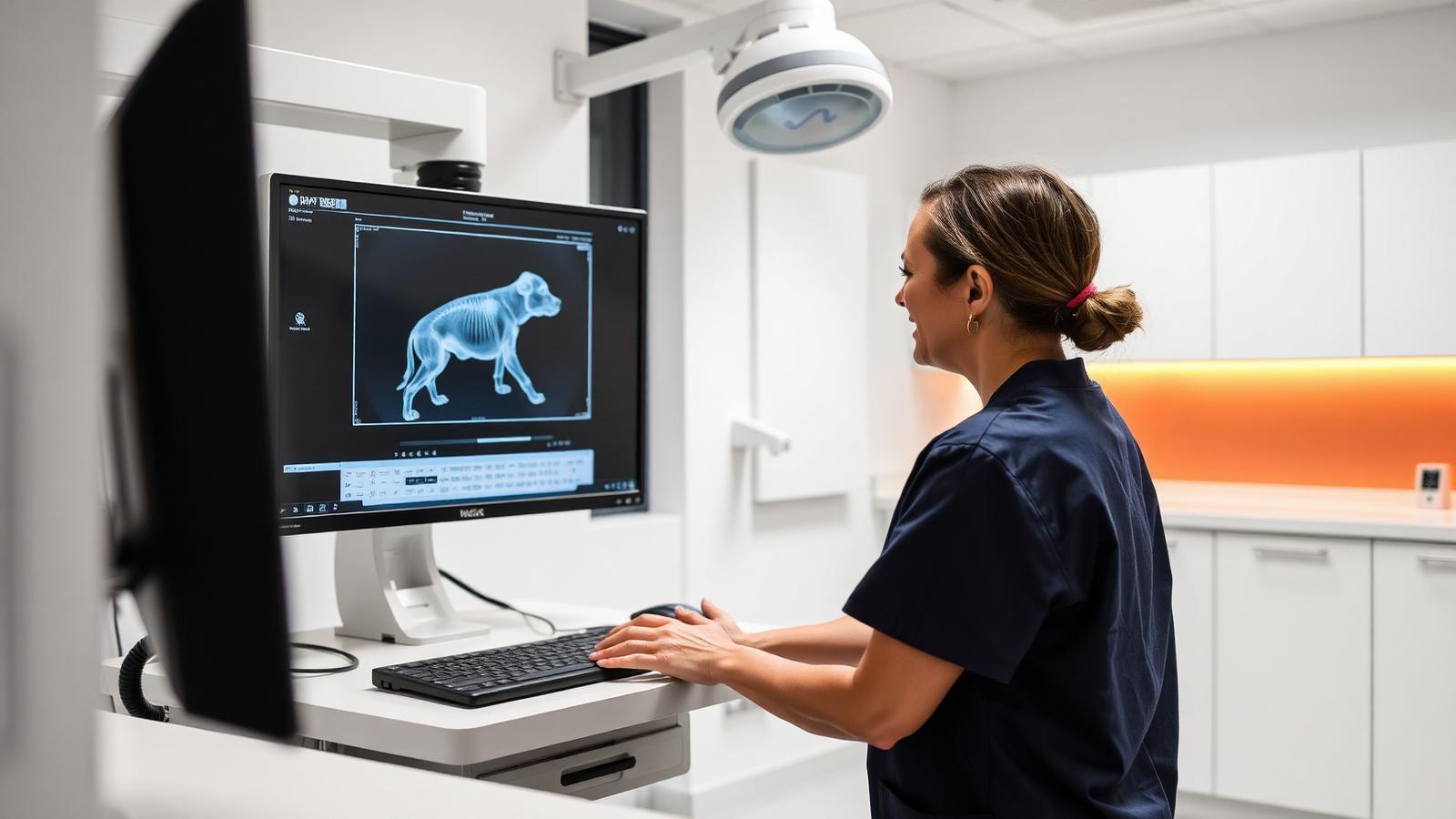
Vet PACS support is the part of veterinary imaging that gets bought last and matters most. Practices research digital radiography carefully, compare archive software feature by feature, and then treat the ongoing engineering that keeps it all connected as something that arrives with the license. It does not. This guide sets out what veterinary PACS support actually owns, how veterinary deployments differ from human hospital ones, and what changes when a single clinic becomes a multi-site group.
Scope note: RAD365 is a physician-owned global operations partner running imaging infrastructure for hospitals, imaging centers, radiology groups and veterinary practices. We operate the systems layer — DICOM connectivity, archive integrity, integrations, monitoring, migrations and vendor management. RAD365 supports PACS infrastructure and workflow operations. Everything below is drawn from veterinary imaging operations work, not from clinical practice.
The system is rarely the problem
In RAD365 veterinary assessments, most complaints described as "our PACS is bad" resolve to unowned operations rather than unfit software: unmonitored archives, untested restores, routing that broke after a modality service visit, and a PIMS integration nobody maintains. Replacing the platform without fixing the support layer reproduces the same experience on newer software.
What vet PACS support actually covers
A complete support scope for a veterinary practice covers DICOM node and routing configuration across every modality including dental and portable units; modality worklist health and PIMS integration; archive tiering, retention and integrity; verified backups with documented restore tests; user and access administration; monitoring tuned to the site's baseline; SLA-bound incident response with severity levels; patch and change control on imaging systems; and escalation into software and modality vendors on the practice's behalf. What it does not cover is clinical clinical documentation — that remains entirely with the practice's own veterinarians and their chosen specialists.
Veterinary PACS systems: how they differ from human deployments
The protocol is the same, the operating reality is not. Veterinary PACS systems deal with a patient identity built from animal name, owner and species rather than a single person identifier, which makes duplicate and misfiled studies far more likely without a worklist integration. Breed and species fields carry clinical meaning and need to be populated consistently. Dental and intra-oral units frequently ship limited or idiosyncratic DICOM implementations that require tag normalisation at the gateway. Portable and ultrasound units export metadata inconsistently. And practice information management software varies enormously in integration maturity, from clean HL7 or API interfaces down to file-drop and database polling.
What a modern veterinary PACS system should include
| Capability | Single clinic | Multi-site group |
|---|---|---|
| Archive architecture | Local or cloud, single tier | Central archive with per-site access control |
| PIMS integration | Worklist from one system | Consistent worklist standard across sites |
| Modality coverage | DR, ultrasound, dental | Plus CT, fluoroscopy, portable fleets |
| Resilience | Verified offsite backup | Local queueing plus replication per site |
| Support model | Business hours plus emergency cover | One contract, one severity framework, staffed shifts |
| Naming conventions | Informal | Group standard enforced at onboarding |
Archive and infrastructure planning
Veterinary archives are growing faster than the sizing assumptions most practices made when they bought. CT adoption, multi-slice studies and higher-resolution DR all compound. Review capacity and growth quarterly, and review the full architecture annually with a documented restore of a real study set. The cloud-versus-on-premise decision follows connectivity and growth rather than sticker price: multi-site groups usually gain more from a central cloud archive, while a single site with constrained bandwidth and a large legacy archive often stays cheaper on-premise or hybrid. Either way the traffic path matters, which is where DICOM gateway configuration and the wider radiology IT support layer do most of the work.
Migration: the six-phase sequence
Switching platforms without losing image history is a sequencing problem, and it is the part of PACS migration services that practices most often underestimate.
- Discovery and inventory. Every modality, node, integration, workstation and archive tier, with current study counts recorded.
- Target build and DICOM configuration. Archive, AE titles, routing rules and worklist integration stood up and tested.
- Test migration. A representative sample moved and verified for image integrity and metadata mapping before anything at scale.
- Bulk migration in controlled windows. Legacy system stays live throughout; throughput and error rates monitored continuously.
- Parallel running with dual-feed routing. New studies land in both systems until reconciliation passes.
- Reconciliation and decommissioning. Study counts and integrity verified, then — and only then — the legacy platform is retired.
Six to twelve weeks is realistic for a single clinic; three to six months for a group. If in-house or contracted IT capacity is thin during that window, interim PACS support covers the gap so the legacy environment keeps an owner while the transition runs.
Standardizing across a growing group
Acquisitive veterinary groups accumulate platforms. The workable pattern is a declared group standard — one archive architecture, one naming and AE-title convention, one retention policy, one support contract with a single severity framework — and then a site-by-site migration sequence, rather than a simultaneous conversion. Imaging standardization belongs on the integration checklist for every acquisition, because a clinic left on its own platform at day one tends to stay there for years, and each year makes its archive harder to fold in.
Why RAD365 makes this argument
RAD365's veterinary imaging operations team runs archives, DICOM connectivity, PIMS integrations and migrations for single clinics, emergency and specialty hospitals, and multi-site groups. We work vendor-agnostically, staff real shifts through nights and weekends for emergency practices, operate on a flat monthly fee against a written SLA, and support platforms that vendors have declared end of life. PACS support covers imaging systems and operational coordination.
Vet PACS support and veterinary PACS systems: frequently asked questions
Veterinary PACS Systems Basics
What is the difference between a veterinary PACS system and vet PACS support?
The system is the software and storage that receives, archives and displays images. The support is the ongoing engineering that keeps it working: DICOM configuration, modality connectivity, archive integrity, backups and restore testing, integration with practice software, monitoring and incident response. Practices routinely buy the system and assume support arrives with it, but a license covers product defects, not the environment around the product. Vet PACS support is the operational layer, and it is usually the layer that is missing.
How do veterinary PACS systems handle multiple imaging modalities in one clinic?
Through DICOM. Each modality — digital radiography, computed radiography, ultrasound, CT, fluoroscopy, dental and intra-oral units — is configured as a node with its own AE title and routing rule, sending to the archive and appearing in a unified patient study list. The complications in veterinary settings are practical rather than theoretical: dental and portable units with limited or non-standard DICOM implementations, ultrasound machines exporting inconsistent metadata, and species and breed fields that need normalising so studies attach to the right patient record.
How do veterinary PACS systems integrate with practice information management software?
Usually through a worklist or order interface between the PIMS and the PACS, so that a booked appointment generates a modality worklist entry and the technologist selects a patient rather than typing one. That single integration eliminates most misfiled studies. Veterinary PIMS integrations vary widely in maturity — some expose clean HL7 or API interfaces, others rely on file-drop or database polling — so the integration method should be established during evaluation rather than assumed to exist.
What features should a modern veterinary PACS system include in 2026?
Full DICOM conformance with published details, multi-modality support including dental and portable units, PIMS integration for worklist and results, multi-site architecture with per-location access control, web and mobile viewing for referral and client communication, species-aware patient and study fields, configurable retention with verified offsite backup, role-based access and audit logging, and export in standard formats without vendor tooling. Anything that cannot export your studies in plain DICOM is a lock-in risk regardless of its feature list.
Do veterinary PACS systems require different DICOM configuration than human hospital systems?
The protocol is identical; the data model needs care. Patient identity is a triple of animal name, owner and species rather than a single person, breed and species fields matter clinically, and many veterinary modalities populate demographic tags loosely or inconsistently. Practical veterinary DICOM work is therefore heavier on tag normalisation and routing rules at the DICOM gateway than the equivalent human deployment, especially where dental and portable units are involved.
Cost & Infrastructure
What should a veterinary practice budget for ongoing vet PACS support versus a one-time system purchase?
Treat them as two separate lines, because they behave differently. The purchase is a one-off capital or subscription commitment for software and storage. Support is a recurring operational cost covering monitoring, incident response, DICOM and integration work, archive management, backup verification and vendor coordination. Practices that budget only for the purchase end up funding support reactively through emergency call-outs, which is both less predictable and, over a year, usually the more expensive route. Scoped support is quoted from site count, modality count, archive size and coverage window.
How often should a veterinary PACS system's storage and archive be reviewed?
Quarterly for capacity and growth rate, annually for the full architecture. The quarterly review checks headroom against measured growth, replication status, and whether retention settings still match policy. The annual review revisits tiering, offsite copies, retention against jurisdictional requirements, and — most importantly — performs a documented restore test of a real study set. A backup that has never been restored is a belief, not a capability, and CT and multi-slice growth means veterinary archives now outgrow their original sizing faster than most practices expect.
What's the cost difference between cloud and on-premise veterinary PACS systems?
On-premise front-loads cost into hardware, storage, licensing and the infrastructure to protect it, then carries lower recurring fees but real refresh and maintenance obligations every few years. Cloud shifts the profile to a predictable monthly cost with no hardware refresh, but the recurring line grows with archive size and depends on bandwidth quality at every site. For multi-site groups cloud usually wins on simplicity and consistency; for a single site with a large legacy archive and constrained connectivity, on-premise or hybrid often remains cheaper. The deciding factors are connectivity, growth rate and internal capability, not the sticker price.
Support & Operations
How does vet PACS support handle emergency and specialty practice after-hours cases?
Emergency and specialty practices need the imaging chain available at exactly the hours general practice does not, so support must be staffed rather than scheduled. That means an engineer awake and on shift overnight and at weekends, holding a runbook for the site, with standing authority to restart services, reroute DICOM traffic or fail over to a secondary path without waiting for a daytime approval. Intake-only overnight cover is functionally no cover for an emergency hospital.
Can vet PACS support work alongside a practice's existing part-time IT help?
Yes, and that is the common arrangement. The local IT provider keeps workstations, printers, general networking and day-to-day user issues; the imaging specialist owns DICOM, the archive, modality connectivity, PIMS integration and imaging-specific monitoring. The only requirement is a written boundary and a shared escalation matrix so neither party assumes the other is watching. Where that boundary is verbal rather than documented, imaging-specific monitoring is the thing that reliably falls into the gap.
What security measures should veterinary PACS systems have for client and patient data?
Role-based access control with individual accounts rather than shared logins, audit logging of study access and export, encryption in transit and at rest, network segmentation isolating imaging traffic from general practice and guest networks, patched and supported operating systems on every node, tested offsite backups, and controlled remote access with multi-factor authentication. Veterinary records contain client personal and payment data, so the obligations are real even where human healthcare rules do not apply directly.
Growth, Migration & Multi-Site
Can a single veterinary PACS system serve multiple clinic locations?
Yes, and for a group it is the target state. One archive with per-location access control gives clinicians a single patient history across sites, allows specialists to review studies acquired anywhere in the group, and removes the duplicate-record problem that appears when a patient is seen at two clinics. The requirements are adequate bandwidth at each site, a routing design that tolerates a link outage by queueing locally, and consistent naming conventions across locations so studies remain findable.
What's the typical timeline for switching veterinary PACS systems without losing image history?
For a single clinic with a modest archive, six to twelve weeks end to end. For a multi-site group, three to six months. The phases are discovery and inventory, target build and DICOM configuration, a test migration of a representative sample with verification, bulk migration in controlled windows while the legacy system stays live, parallel running with dual-feed routing, reconciliation of study counts and image integrity, then cut-over and legacy decommissioning only after verification passes. Archive size and legacy export throughput drive the schedule more than anything else.
What happens to old studies when a veterinary practice upgrades its PACS system?
They migrate, or they should. Studies must be exported in standard DICOM, verified by count and integrity check against the source, and imported with patient identity and study metadata preserved and correctly mapped. The two recurring failure modes are leaving the legacy system running indefinitely as a read-only archive nobody maintains, and accepting a partial migration of recent studies only. Both create a split history that becomes progressively harder to reconcile. Plan the historical archive with the same rigour as the live feed under PACS migration services.
How do multi-site veterinary groups standardize PACS systems across clinics?
By setting a group standard and migrating sites onto it in sequence rather than converting everything at once. That means one archive architecture, one naming and AE-title convention, one retention policy, one set of hanging protocols, one support contract with a single severity framework, and a per-site schedule documenting local modalities and contacts. Acquisitive groups should treat imaging standardization as part of the integration checklist, because an inherited clinic left on its own platform tends to stay there for years.
How do I know if my veterinary PACS system needs an upgrade versus just better support?
Distinguish structural limits from operational neglect. Signs the system itself is the constraint: it cannot support multi-site access, has no viable PIMS integration path, cannot ingest a modality you have purchased, is unsupported by the vendor, or cannot export standard DICOM. Signs the support layer is the constraint: the software is current but nobody monitors the archive, restores are untested, routing breaks after modality service visits, and incidents are always found by staff first. The second set is far more common — and far cheaper to fix.
What onboarding steps are involved when adding vet PACS support to a growing practice?
Discovery and inventory of every modality, node, workstation and integration; an archive and backup review with a documented restore test; deployment of monitoring tuned to the site's baseline; runbook authoring and an agreed escalation matrix including after-hours contacts; a shadow period alongside existing IT covering at least one full week including a weekend; then formal SLA commencement with a scheduled monthly report. Two to six weeks is typical for a single clinic, longer for a group, and the documentation produced belongs to the practice.
Get a free PACS assessment
Talk to a RAD365 PACS engineer about coverage, migration, or interim support for your environment. No obligation, no sales pitch.
Get a free PACS assessment →Related Resources
- RAD365 veterinary PACS support — scope, coverage and SLA structure
- Vet PACS support for multi-site groups — one contract across every clinic
- Veterinary DICOM gateway — routing and tag normalisation for mixed modality fleets
- PACS migration services — planned archive and platform transitions
- The complete veterinary PACS guide — systems, architecture and selection
- How one veterinary network fixed its PACS support gap — a multi-site case study
