Veterinary PACS Support: How the Wrong Upgrade Can Cost You Years of Imaging Archives
A field-tested guide for veterinary hospital owners and practice managers: how veterinary PACS upgrades quietly lose archives, why cloud migrations fail without proper support, and what to look for in a veterinary PACS support partner in 2026.
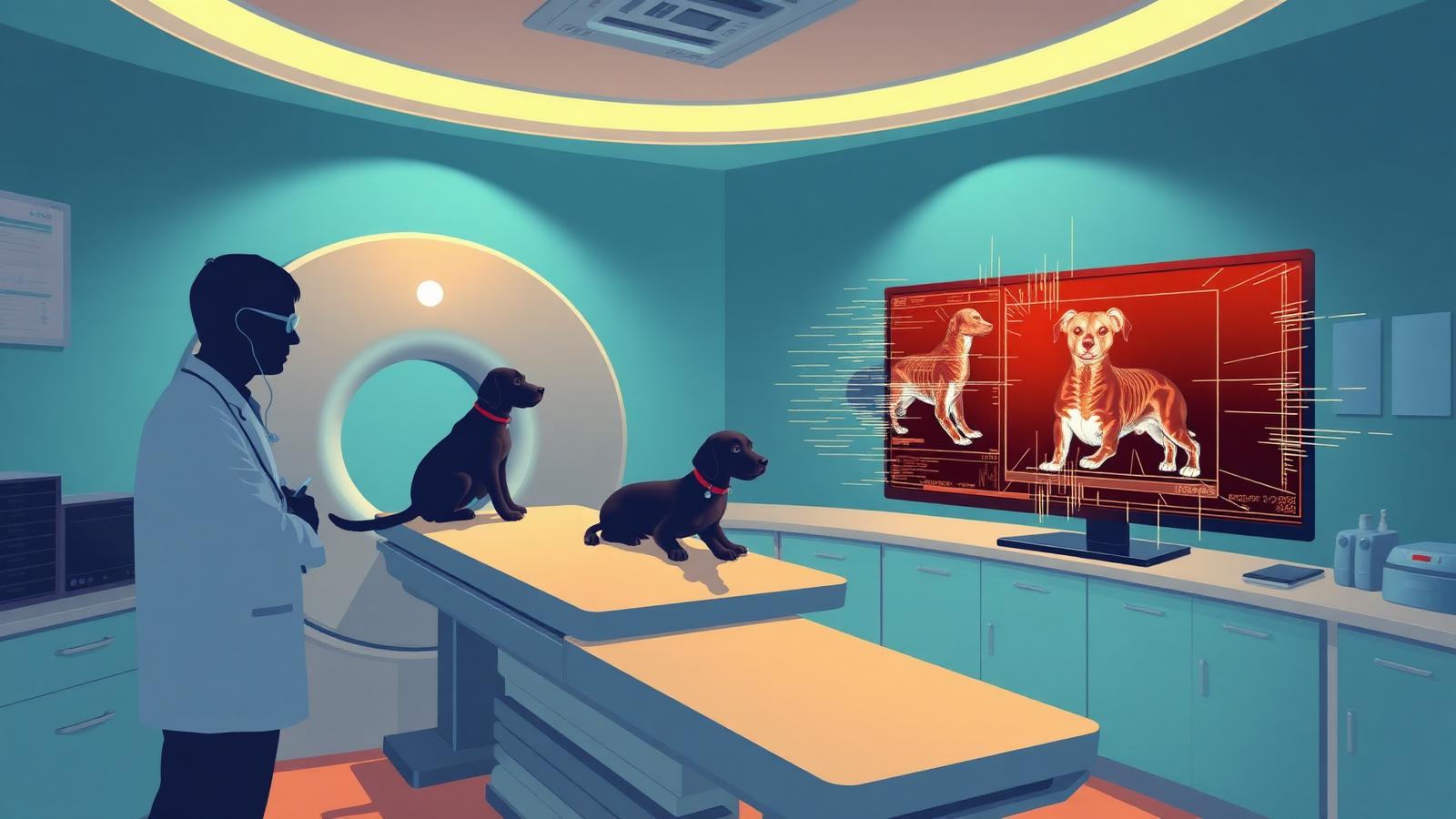
Every quarter, a veterinary hospital somewhere calls a PACS support company in a panic because a routine upgrade ate their imaging archive. Sometimes the studies are still on the server and can be re-indexed. Sometimes the previous archive was quietly overwritten and the "verified" backup turns out to be a directory of empty folders. This article is written for the practice owners, hospital administrators, and lead technicians who would rather never make that call — and for the ones who already have and want to make sure it never happens again.
Why veterinary PACS archives are more fragile than they look
Veterinary PACS platforms carry many of the same operational risks as human hospital PACS, but they are typically supported by smaller vendors, deployed in environments without dedicated IT staff, and integrated with PIMS (practice information management systems) via bridges that were never designed for high-integrity migrations. The result is an ecosystem where a well-intentioned "let's just upgrade to the new version" project can quietly do serious damage — and where nobody notices until a technician tries to pull a study from 18 months ago and it isn't there.
The three failure modes that cause the most damage are the same every time: metadata loss (custom private tags stripped in the upgrade), study orphaning (patient records that stop resolving to their images), and backup illusion (a backup job that has been "green" for years but has never been tested with an actual restore).
What veterinary PACS support actually covers
Veterinary PACS support — as distinct from a PACS vendor's software support contract — is a managed IT service that operates the day-to-day layer of your imaging environment: DICOM routing from every modality to the PACS, integration with your PIMS, worklist and user administration, storage integrity, backup verification, disaster recovery readiness, and coordination with your PACS providers and modality vendors when something breaks. It does not include image access studies. It exists to keep the environment operational so your team — and any specialists you refer to — can do their work without friction.
How upgrades quietly destroy archives
Failure mode 1 — Private tag stripping
Veterinary imaging depends on non-standard DICOM tags: species, breed, sometimes owner information, and modality-specific fields. Many upgrades strip or remap "unknown" private tags without warning. Studies remain viewable but lose the metadata that made them searchable. Six months later, a technician can no longer filter by species and nobody remembers why.
Failure mode 2 — Orphaned studies after PIMS bridge changes
Veterinary PACS platforms are integrated with PIMS through custom bridges. When either side is upgraded, the bridge often needs to be re-mapped. If it is not, new studies land in the PACS without a valid patient record, and old studies stop resolving to the current patient database. The images are technically still there — they just cannot be found.
Failure mode 3 — Backup illusion
The backup job has been green for years. Nobody has tested a restore. The upgrade fails, someone reaches for the backup, and the restore either does not run or produces an archive full of unreadable files. This is the single most common cause of catastrophic data loss in veterinary imaging in 2026.
Failure mode 4 — Cloud migration without a parallel run
A cloud PACS migration performed as a single cutover — old system off, new system on, no overlap — is a bet that everything worked. A proper migration runs both systems in parallel for 1–2 weeks, validates that new studies arrive correctly on both sides, and only then flips modalities to the new destination. Skipping the parallel run is how practices lose the first week of studies in the new environment.
What a properly supported veterinary PACS upgrade looks like
- Discovery. A complete inventory of modalities, DICOM AE titles, current destinations, PIMS integration points, storage volumes, and existing backup jobs — before anything is touched.
- Data audit. A report on the current archive: total study count, storage footprint, known data quality issues (duplicates, missing accession numbers, species field inconsistencies).
- Test migration. A sample migration into a test instance of the new version to verify metadata preservation and image integrity.
- Verified backup. Not just "the backup ran" — a full test restore, verified end-to-end, dated and documented.
- Parallel run. New studies routed to both old and new systems for 1–2 weeks to prove the new environment behaves correctly under live traffic.
- Cutover with rollback. A documented cutover plan with a documented rollback path if the new environment misbehaves.
- Archive migration. Bulk migration of the historical archive in validated batches — count in equals count out, sample studies verified visually.
- Decommission on a delay. The old environment stays read-only for 30+ days after full cutover. Nothing gets deleted until the new environment has proven itself.
What to look for in a veterinary PACS support partner
- Veterinary-specific experience. Human-hospital PACS engineers are not automatically fluent in the veterinary DICOM tag set, PIMS bridge quirks, or the operational rhythms of a small-animal or mixed practice.
- Written scope and SLAs. The contract should enumerate what is covered, what is out of scope, and how quickly incidents are responded to at each severity level.
- Backup verification, not just backup execution. Ask for the last documented restore test. If they cannot produce one, they are not doing this work.
- Vendor-neutral coverage. A veterinary PACS support partner should be able to work with any PACS platform, not push you toward one they resell.
- Data ownership and exit clauses. Your imaging archive is yours. The contract must say so and describe the hand-off procedure if you ever leave.
How RAD365 approaches veterinary PACS support
RAD365 provides veterinary PACS support as part of our Outsourced PACS Support and Managed PACS Services practice. RAD365 supports PACS infrastructure and workflow operations. What we do is keep the veterinary imaging environment operational — through upgrades, migrations, PIMS changes, modality additions, and after-hours incidents — with a written scope of work, defined SLAs, and verified backups you can actually restore from.
Related resources
- RAD365 Veterinary PACS Support — 24/7 managed PACS for vet practices
- Compare veterinary PACS systems — RAD365 evaluation guide
- Veterinary PACS migration playbook
- Cloud vs on-premise veterinary PACS
- RAD365 Managed PACS Services
Frequently Asked Questions
What is veterinary PACS support?
Veterinary PACS support is a managed IT service that operates the day-to-day layer of a veterinary hospital's imaging environment — DICOM routing, PIMS integration, storage, backups, monitoring, and incident response — so the practice is not dependent on a single technician or on the PACS vendor for operational issues.
Does veterinary PACS support include image access studies?
No. It is a systems and IT function. RAD365 supports PACS infrastructure and workflow operations. Veterinary PACS support keeps the imaging environment operational so your veterinarians and referral specialists can work without friction.
What is the most common cause of veterinary PACS archive loss?
Untested backups. A backup job that has run "successfully" for years without ever being restored is the most common single cause of catastrophic archive loss during a failed upgrade or hardware failure.
How long does a proper veterinary PACS migration take?
Small single-site practices typically run 4–8 weeks end to end. Multi-site groups and specialty referral hospitals with large archives can run 3–6 months when done properly with parallel run and batched archive migration.
Can veterinary PACS support work with our existing PACS vendor?
Yes. Veterinary PACS support is vendor-neutral. We coordinate with your existing PACS providers and modality vendors — we do not replace them.
What if we already have a cloud PACS?
Cloud PACS still requires day-to-day operational support: modality integration, PIMS bridging, worklist administration, storage tiering, and incident coordination. The vendor supports their platform; a support partner covers the operational surface around it.
How much does veterinary PACS support cost?
Pricing is scoped per practice based on modality count, PIMS integration complexity, coverage tier, and study volume. We provide a written quote after the initial assessment.
Is veterinary PACS support only for large practices?
No. Small and mid-sized practices are often the highest-value use case because they typically lack any dedicated IT staff and are the most exposed to single-point-of-failure risk.
What is the first step?
A no-obligation discovery call followed by a written PACS assessment. Start on the contact page.
How do we protect our archive during an upgrade?
Discovery, data audit, test migration, verified restore, parallel run, staged cutover with a rollback plan, and a delayed decommission of the old system. Skipping any step introduces avoidable risk.
Will our specialists (radiologists, cardiologists) still be able to access studies?
Yes. Veterinary PACS support keeps sharing and referral workflows operational — including secure external access for referring vets and specialists.
Is this HIPAA-relevant for veterinary practices?
HIPAA does not apply to veterinary medicine, but many practices adopt similar security controls voluntarily. RAD365 operates with the same operational security discipline used in human hospital environments.
What if we run more than one PACS across multiple sites?
Multi-PACS veterinary environments are a common outcome of practice-group growth. Consolidating or coordinating across them is one of the highest-return use cases for outsourced veterinary PACS support.
How do we know if our current backup actually works?
Ask for the date and result of the last full restore test. If nobody can produce it, assume the backup is unverified. Verified backup testing is standard scope in a serious veterinary PACS support engagement.
Can RAD365 help if we are mid-crisis right now?
Yes. Interim and emergency engagements are supported. Start on the contact page and mark the request as urgent.
Get a free PACS assessment
Talk to a RAD365 PACS engineer about coverage, migration, or interim support for your environment. No obligation, no sales pitch.
Get a free PACS assessment →