PACS New Site Integration Support: A Planning Guide
Learn how to prepare a new imaging site for PACS integration, including onboarding, testing, and go-live support to ensure minimal disruption.
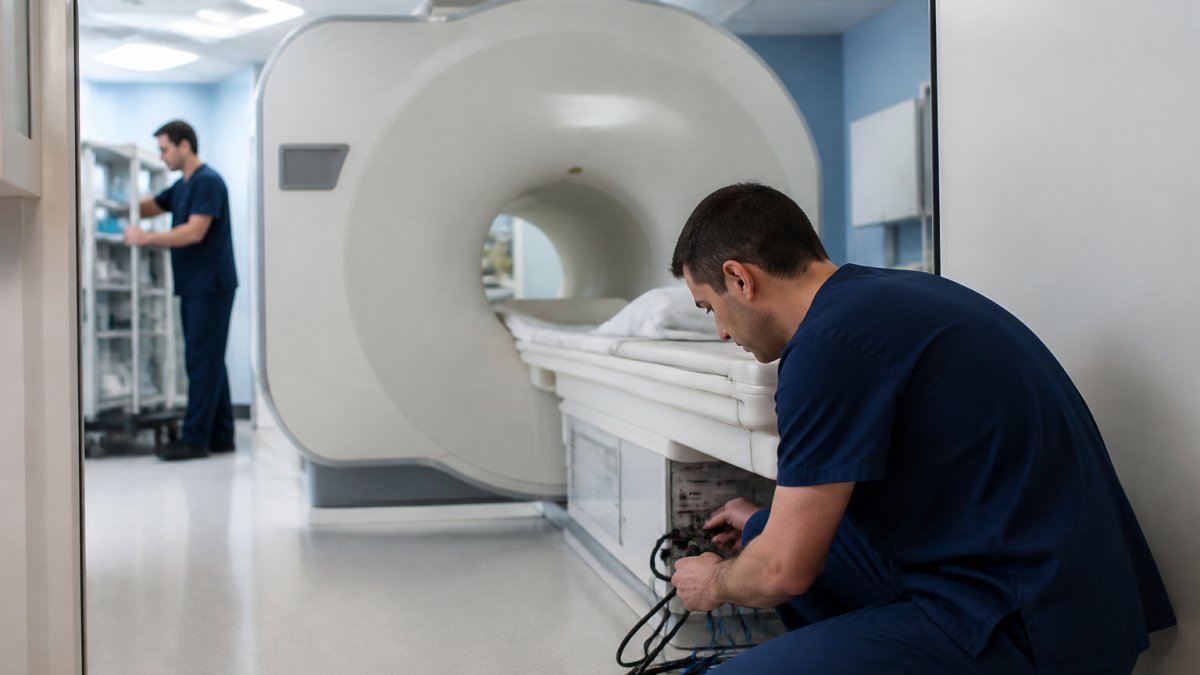
Table of Contents
- What PACS New Site Integration Support Involves
- PACS Site Onboarding Checklist and Readiness Assessment
- PACS Integration Testing Before Go-Live
- Frequently Asked Questions
Last Updated: October 21, 2026
What PACS New Site Integration Support Involves
PACS new site integration support covers the technical and operational work required to connect an imaging site to an existing PACS infrastructure, from data connectivity to confirmed function before clinical use. (Source: DICOM and HL7 standards)
DICOM connectivity lets imaging devices such as CT, MRI, ultrasound, and radiography systems transmit studies to the PACS archive. HL7 messaging carries patient demographics, orders, and study routing instructions between the PACS and hospital or radiology information systems.
A successful PACS new site integration support engagement requires coordination across imaging technologists, IT personnel, and clinical staff.
PACS Site Onboarding Checklist and Readiness Assessment
Before technical work begins, a readiness assessment determines whether the site has the necessary infrastructure, documentation, and staffing, covering network capacity, storage, backup procedures, security protocols, and staff training readiness.
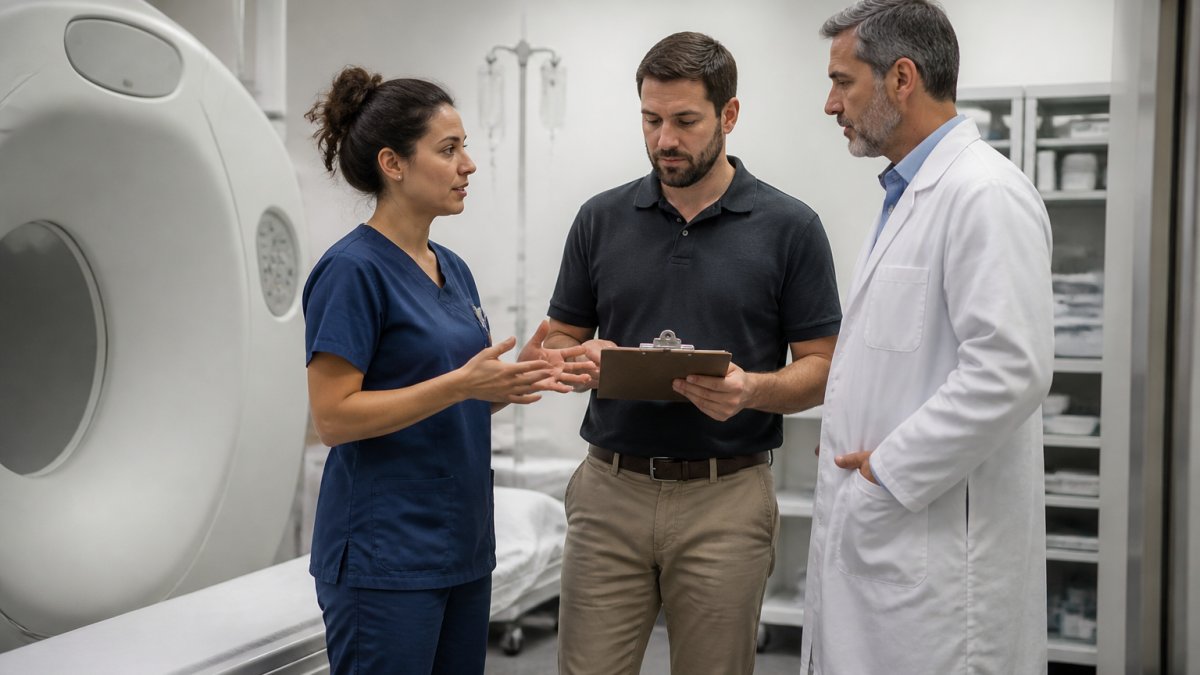
A practical onboarding checklist should address these elements:
- Network infrastructure: verify bandwidth capacity, VPN connectivity, firewall rules, and DNS resolution for all systems that will communicate with the PACS
- Storage and database: confirm that archive storage meets capacity projections, and that backup and recovery procedures are documented and tested
- Imaging modality inventory: document all devices that will connect to the PACS, including manufacturer, model, software version, and current DICOM configuration
- System credentials and access: establish user accounts, authentication protocols, and role-based access controls for clinical and IT staff
- Documentation and staffing: compile network diagrams, system architecture drawings, interface specifications, and vendor contacts, and confirm that technologists, IT support personnel, and clinical champions will be available during testing and go-live activities
This checklist becomes the baseline against which integration readiness is measured. Sites that address these elements before integration work begins typically experience fewer delays during testing.
PACS Integration Testing Before Go-Live
Integration testing validates that all systems communicate correctly and behave as expected, spanning unit testing of individual components, integration testing across multiple systems, and user acceptance testing with clinical staff.
Technical testing should verify DICOM connectivity by sending test studies from each imaging modality to the PACS and confirming that studies arrive intact, are routed to the correct patient record, and are retrievable by authorized users. HL7 message testing should confirm that patient demographics sync correctly between the RIS and PACS and that orders appear in the PACS worklist.
User acceptance testing engages radiologists, technologists, and support staff to validate the system in clinical scenarios, including retrieving prior studies and accessing images remotely. Issues identified during testing should be documented, prioritized, and resolved before the site transitions to production use.
According to DICOM standards documentation, proper validation of image transfer integrity and metadata accuracy is essential before clinical deployment. A structured testing protocol that documents each test case, expected result, and actual result creates an audit trail and helps identify systematic issues that may require configuration changes or vendor support.
Successful go-live depends on a support plan that specifies escalation procedures, contact information for vendor support and internal IT teams, and a schedule for post-go-live monitoring. Dedicated support during the first 2 to 4 weeks after go-live catches configuration issues early and prevents disruption to clinical operations.
Integrating a new site into an existing PACS infrastructure requires careful planning, technical coordination, and validation before clinical use. RAD365, a physician-owned operations partner, provides managed PACS support and PACS new site integration support designed to handle these technical and operational requirements, allowing imaging centers and hospitals to focus on clinical care while the integration proceeds reliably.
Frequently Asked Questions
What information is needed to integrate a new imaging site with PACS?
A successful PACS new site integration support process requires documentation of existing systems, network topology, modality specifications, user roles, and integration points with EHR and RIS. Site readiness assessment should confirm IP connectivity, DICOM and HL7 compatibility, storage capacity, and backup infrastructure. Your support team will also need contact information for all stakeholders, IT staff availability windows, and a detailed timeline for testing and cutover.
How do you prepare a new site for PACS integration?
Preparation begins with a detailed readiness assessment covering network infrastructure, modality connections, and staff training needs. Establish clear roles and responsibilities for your IT team, imaging staff, and the support partner. Create a PACS site onboarding checklist that documents hardware inventory, software versions, security protocols, and integration requirements. Conduct kickoff meetings to align on timeline, acceptance criteria, and escalation paths before technical work begins.
What should be tested before a new site goes live on PACS?
PACS integration testing must validate DICOM connectivity from all imaging modalities, verify HL7 message routing for orders and results, confirm EHR and RIS data exchange, and test image storage and retrieval. Run end-to-end workflows with sample data, test failover and disaster recovery procedures, and verify user access controls. Document all test results against your acceptance criteria and resolve any gaps before cutover to ensure the new imaging site PACS setup meets operational requirements.
