7 Signs Your Veterinary Practice Has Outgrown Its Current PACS Support
Seven concrete signs a veterinary practice has outgrown its vet PACS support — plus what good coverage, PIMS integration and archive protection look like.
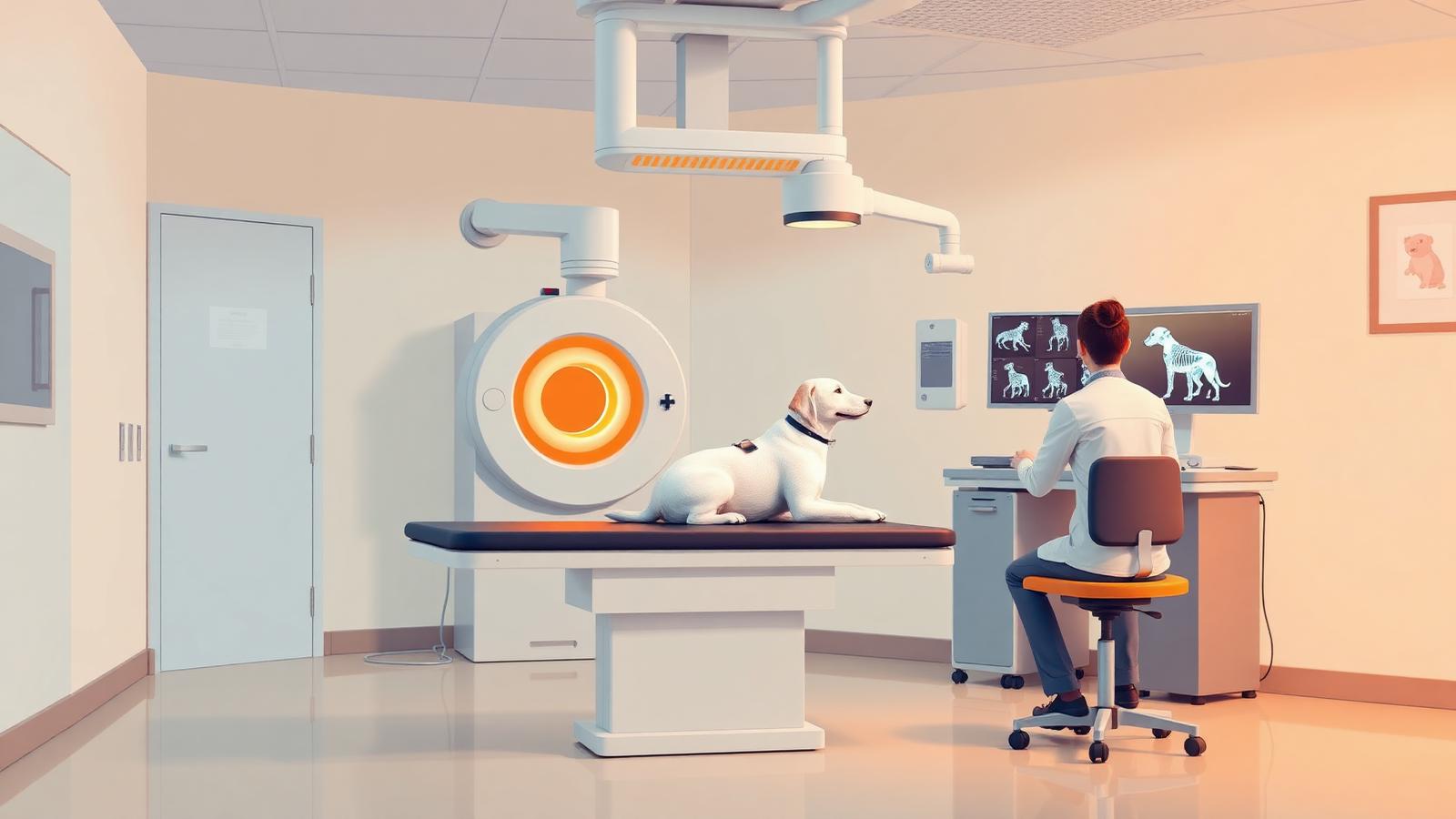
Vet PACS support rarely fails all at once. It degrades quietly: one modality that has to be exported manually, one branch clinic that cannot see another's priors, one backup job nobody has tested. By the time a practice calls us, the staff have usually been working around the same three faults for months and stopped reporting them. This article lists the seven signs we see most often that a veterinary practice has outgrown its current imaging support — and what a properly scoped alternative looks like.
Written by the RAD365 veterinary imaging IT team. RAD365 is a physician-owned global PACS operations firm supporting veterinary practices, referral hospitals and equine services. RAD365 supports PACS infrastructure and workflow operations.
In veterinary assessments RAD365 has run, the two most common findings are the same every time: a backup that has never been restore-tested, and at least one modality whose images reach the archive only because a technician remembers to export them.
Sign 1: Someone on staff is the PACS support plan
Almost every practice has one person — often a lead technician, sometimes the practice manager — who "knows the imaging system." They reset the modality when it stops sending, they know which folder the ultrasound writes to, and they are the reason it all still works. That is not a support model; it is an undocumented dependency. When that person is on holiday, on leave, or leaves the practice, the knowledge goes with them and the first serious fault becomes an emergency.
Proper vet PACS support replaces that dependency with documentation, monitoring and a contracted response, and it usually makes that staff member dramatically more effective rather than redundant — they stop firefighting and go back to the clinical floor.
Sign 2: Studies arrive late, incomplete, or not at all
The classic symptom is a technician saying "just re-send it" as a normal part of the workflow. Re-sending is not normal. It means DICOM associations are failing intermittently, a queue is stalling, or a modality's configuration drifted after a service visit. Each individual instance is a two-minute annoyance; cumulatively it is hours of clinical time a week and a real risk that a study is missing when it matters.
These faults are almost always transport-layer, not application-layer. A managed veterinary DICOM gateway puts every modality's routing, retry behavior and queue depth under one monitored layer, so a stall raises an alert before a technician notices.
Sign 3: Your PIMS and your imaging archive disagree about patients
Duplicate patients, studies attached to the wrong animal, owner records that do not resolve to the imaging record, species or breed fields left blank on studies from one particular modality — all of these point to a broken or absent identifier synchronisation between the practice management system and the archive. It gets worse over time, and it gets much worse after an acquisition merges two identifier schemes.
Integration depth varies significantly across Cornerstone, ezyVet, AVImark, Impromed and ProVet, so this has to be validated in the environment rather than assumed from a datasheet. Where a full worklist integration is not possible, a disciplined identifier convention plus reconciliation reporting keeps the two systems honest.
Sign 4: Nobody has ever restored a study from your backup
A backup job that reports success is not a backup. We ask one question during every veterinary assessment — when did you last restore an actual study from backup and open it? — and the answer is almost always "never." Practices discover the gap during a ransomware event or a hardware failure, which is the worst possible time to learn that the archive was being copied in a format nothing can read.
The fix is unglamorous and cheap relative to the risk: an offsite or cloud copy separate from the primary archive, immutability or versioning so ransomware cannot encrypt the copy, and a quarterly restore test with the result written down. Archive protection and retention policy sit inside our broader veterinary IT support scope for exactly this reason.
Sign 5: Your second location cannot see the first location's images
Multi-site groups grow by acquisition, and each acquired clinic arrives with its own imaging platform, its own archive and its own numbering. Until those are consolidated, a referral between your own locations is functionally the same as a referral to a stranger — someone burns a disc or emails a JPEG. That undermines the clinical case for having a group in the first place.
Consolidation is a project, not a setting: audit each archive, normalise identifiers, migrate with tag mapping into a central archive, validate, then decommission. Done properly, any clinician at any site retrieves any patient's history at the point of care, and the group finally operates as one practice.
Sign 6: Your imaging platform is end-of-life and your vendor has gone quiet
Several veterinary imaging products have been sunset or absorbed in recent years. The pattern is consistent: support tickets take longer, patches stop, the account manager changes twice, and eventually you are told to buy the replacement. The clinical dependency does not disappear on the vendor's timeline, and a rushed replacement inside one budget cycle is how practices end up with a migration that loses history.
An unsupported platform can be operated safely through a planned migration window — with patch and access discipline, verified archive integrity and a tested backup — while the replacement decision is made on evidence. We covered how badly this can go in our piece on upgrade and archive risks in veterinary PACS.
Sign 7: Imaging problems are costing you appointments
This is the sign that turns an IT annoyance into a business case. In a veterinary practice imaging sits directly in the appointment critical path. If the study cannot be acquired, stored or retrieved during the consult, the consult stalls, the surgery is deferred and the client reschedules — and that slot does not come back. A hospital absorbs downtime into a queue; a practice loses the revenue outright.
Count the deferred appointments over one quarter and the arithmetic on support coverage usually resolves itself. Broader context on the veterinary imaging environment is on our veterinary radiology overview.
What good vet PACS support looks like, compared
| Capability | Typical status quo | Properly supported |
|---|---|---|
| Ownership | One knowledgeable staff member | Named engineering team with runbooks |
| Monitoring | None — users report faults | DICOM, queue, storage and backup alerting |
| Response | Best effort, business hours | Written SLA scoped to clinical hours |
| Backup | Job reports success | Immutable offsite copy, quarterly restore test |
| PIMS integration | Manual identifier entry | Synchronised identifiers, reconciliation reporting |
| Multi-site access | Discs and email exports | Central archive with site-level routing |
| Legacy platforms | Unsupported and drifting | Stabilised through a planned migration window |
| Cost model | Reactive hourly callouts | Flat monthly fee, projects quoted separately |
How a veterinary engagement runs
- Assessment. Every imaging device and its DICOM configuration, archive and backup posture, PIMS integration state, network readiness, and the specific workarounds staff use today. Documented and yours to keep.
- Stabilisation. Fix the transport faults, verify the archive, prove a restore, and close the obvious security gaps before anything else is discussed.
- Scope and coverage. Sites, modalities, coverage window and response targets written into a service agreement sized to the practice — not a hospital contract with the numbers changed.
- Steady state and projects. Monitored operations with a single ticket queue, plus consolidation or migration work scheduled around the clinical calendar rather than through it.
Full service detail for practices, referral hospitals and equine services is on the veterinary PACS support page.
Vet PACS Support: Frequently Asked Questions
Vet PACS support fundamentals
What is vet PACS support and how does it differ from human medical PACS support?
Vet PACS support is the operational IT service that keeps a veterinary practice's imaging system running — DICOM routing from radiography, CT, ultrasound and dental units, archive integrity, viewer access, PIMS integration and incident response. The engineering is largely the same as human PACS support, but the context differs: species and breed metadata, owner-based rather than patient-based identifiers, PIMS instead of a hospital EHR, no HL7 order feed at most sites, and far tighter budgets with no dedicated IT staff.
Which companies specialize in PACS support services for veterinary practices?
The field splits into veterinary PACS software vendors who support their own product, general IT providers who treat imaging as another server, and specialist veterinary imaging IT firms such as RAD365 that support any platform vendor-agnostically. Practices running more than one imaging vendor, or a legacy system the manufacturer no longer backs, generally need the third category.
How do I set up and maintain a PACS system in a small veterinary clinic?
Start with an inventory of every imaging device and its DICOM capability, then choose an archive sized to three to five years of growth with verified offsite backup. Configure each modality as a DICOM node with consistent study descriptions and a controlled AE title scheme, integrate patient identifiers with the PIMS so records do not fragment, and set a maintenance rhythm: monthly capacity check, quarterly restore test, annual disaster-recovery rehearsal. Small clinics normally contract this rather than staff it.
What imaging formats and modalities should vet PACS support systems be compatible with?
Standard DICOM across digital radiography and CR, computed tomography, MRI, ultrasound including cine loops, intraoral and extraoral dental radiography, fluoroscopy, and increasingly endoscopy and cardiology capture. Support should also cover non-DICOM sources through a conversion path, because in veterinary practice a meaningful share of imaging still arrives as JPEG or proprietary exports from older equipment.
How can vet PACS support improve diagnostic accuracy and workflow in an animal hospital?
Indirectly but measurably, by removing the friction around the image. Reliable prior retrieval means comparisons are actually available at the point of decision. Correct patient and species metadata prevents mismatched studies. Consistent routing means an ultrasound taken in the treatment room appears in the record without manual export. RAD365 supports PACS infrastructure and workflow operations.
Multi-site practices and PIMS integration
How does vet PACS support work across a multi-location practice group?
Through a centralised archive with site-level routing, so any location can retrieve any patient's priors while each site retains local acquisition performance. Support covers per-site DICOM configuration, bandwidth planning for study transfer between locations, consistent identifier schemes across practices acquired at different times, and a single ticket queue so no branch is left calling a vendor alone.
Can PACS integrate with veterinary practice management software (PIMS)?
Yes. Integration with systems such as Cornerstone, ezyVet, AVImark, Impromed and ProVet typically works through modality worklist provision, patient identifier synchronisation, and a link back from the PIMS record to the study. Depth varies significantly by PIMS and version, which is why the integration approach should be validated during assessment rather than assumed from a vendor datasheet.
What happens to imaging records when a practice group acquires another clinic?
The acquired clinic almost always arrives with a different imaging platform, a different identifier scheme and an archive of unknown quality. The correct sequence is audit, then normalise identifiers, then migrate into the group archive with tag mapping, then decommission. Skipping the audit is how groups end up with duplicate patients and unreachable historical studies two years later.
How do we avoid losing patient history when changing veterinary PACS?
Insist on a data audit before migration, a tag-mapping specification, a test migration on a representative sample, and a validated parallel run in which the same studies are verified in both systems before the legacy platform is retired. Never accept a migration where the only verification is a study count.
Can vet PACS support handle equine and large-animal imaging?
Yes, with specific attention to the field context: portable and mobile radiography units with intermittent connectivity, larger study sizes from stitched and long-length imaging, offline acquisition with deferred sync, and reliable transfer from ambulatory settings back into the practice archive.
Uptime, downtime and coverage
What does imaging downtime actually cost a veterinary hospital?
It is a same-day revenue and welfare problem. Imaging is usually in the critical path of the appointment — if the study cannot be acquired, stored or retrieved, the consultation stalls, the surgery is deferred and the client reschedules. Unlike a hospital, a practice cannot absorb this in a queue; the appointment slot simply does not come back.
Do veterinary practices really need 24/7 PACS support?
Emergency and referral hospitals do, because after-hours imaging is their core business. General practices more commonly need reliable extended-hours coverage that spans early-morning surgery preparation and weekend clinics. The coverage window should be scoped to the practice's real clinical hours rather than sold as a default.
How quickly should a vet PACS support provider respond to an outage?
A total imaging outage during clinical hours should carry a response commitment measured in minutes, with continuous work until service is restored. Degraded conditions — one modality unable to send, slow retrieval — should carry a same-day target. Anything vaguer than that in a contract is not a service level, it is a hope.
What backup and disaster recovery should a veterinary practice have for imaging?
At minimum: an offsite or cloud copy separate from the primary archive, immutability or versioning to survive ransomware, and a restore test performed at least quarterly. The failure we see most often is a practice with a nightly backup job reporting success for two years and no one having ever restored a study from it.
Cost, vendors and getting started
How is vet PACS support priced?
As a flat monthly fee scoped to the number of sites, modality count, archive size and coverage window, with migrations quoted as separate projects. Flat-fee pricing suits veterinary practices particularly well because it removes the hesitation to raise a small ticket — and in imaging, small unreported faults are how large outages start.
Can you support a veterinary PACS the original vendor no longer backs?
Yes. Unsupported and end-of-life veterinary imaging platforms are one of the most common reasons practices contact us. The immediate work is stabilisation — patch and access discipline, archive integrity verification, a validated backup — followed by a planned migration on the practice's timeline rather than the vendor's.
Do we have to change our PACS to work with RAD365?
No. RAD365 is vendor-agnostic and sells no imaging platform, so we support what you already own. Replacement is recommended only when the evidence supports it, and if it happens we run the migration without a preferred destination product.
What is the first step to improving our veterinary imaging IT?
A written assessment of the current environment: every imaging device and its DICOM configuration, archive and backup posture, PIMS integration state, network readiness, and the specific failures staff work around today. It is documented, no-obligation, and you keep it whether or not you engage us.
Related Resources and services
- Veterinary PACS support — practices, referral hospitals and equine
- Vet PACS support coverage and SLAs
- Veterinary IT support and archive protection
- Veterinary DICOM gateway and connectivity
- Upgrade and archive risks in veterinary PACS
- Choosing veterinary PACS systems: a practical guide
Get a free PACS assessment
Talk to a RAD365 PACS engineer about coverage, migration, or interim support for your environment. No obligation, no sales pitch.
Get a free PACS assessment →